Case Study 04
Terminal: When Travel Apps Stop Playing It Safe
Conceptual Neo-Brutalist Travel App, A design experiment in making travel feel adventurous again.
Sep 21, 2025
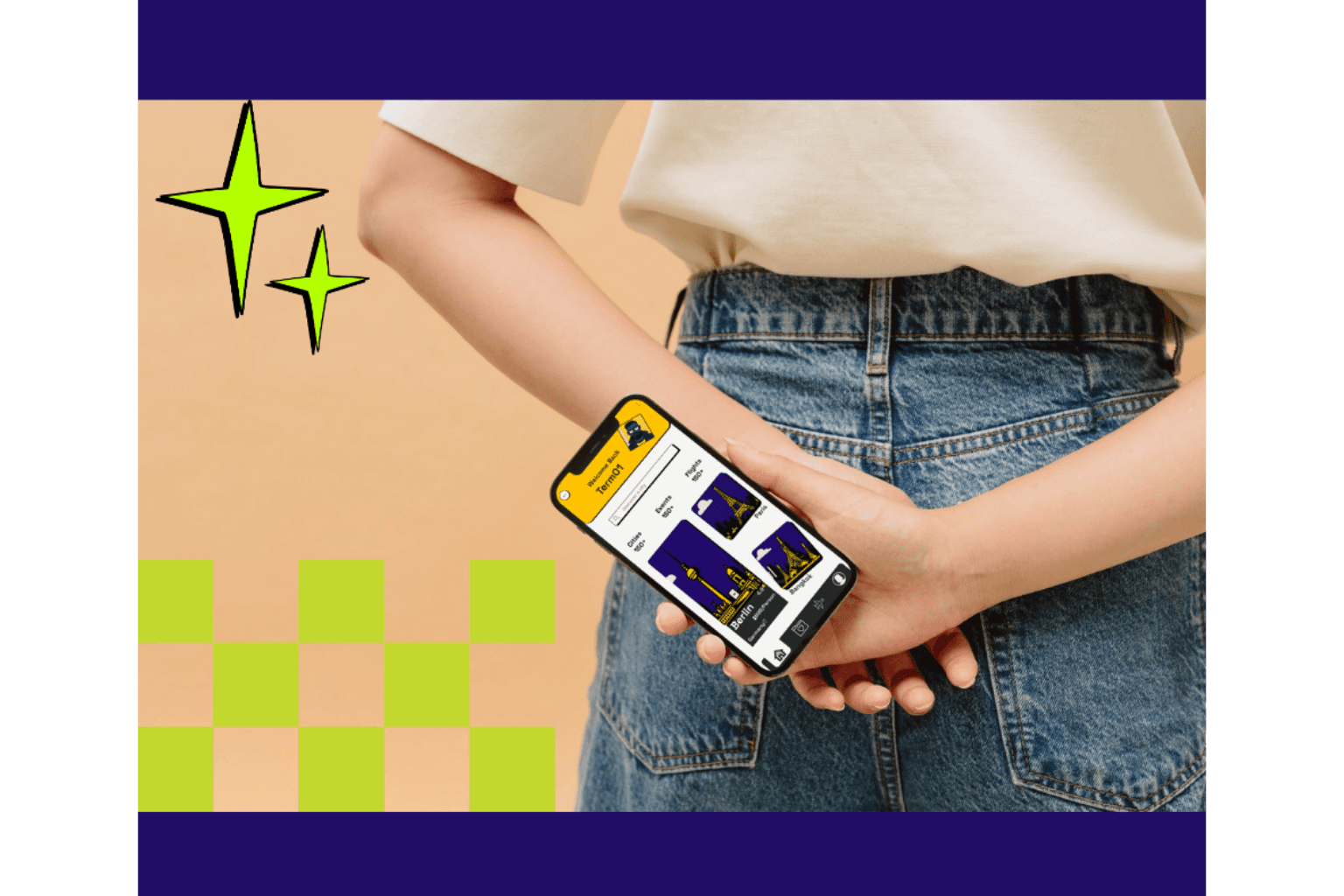
The Problem: Travel Apps All Look Like Airport Terminals
Scroll through the App Store's travel category. Every app looks the same.
Clean white backgrounds. Soft blue accents. Rounded cards. Generic sans-serif fonts. Polished photos with subtle overlays.
It's functional. It's inoffensive. It's boring.
Here's what's missing:
Travel is about adventure, discovery, spontaneity — but the apps feel corporate and sterile
Younger travelers (Gen Z, Millennials) want tools that match their energy, not their parents' approach to booking
Every travel app tries to look "professional" by copying the same minimal playbook
The digital experience feels nothing like flipping through a vintage travel catalog or discovering a hidden gem
The gap I wanted to explore:
What if a travel app felt less like a booking tool and more like a magazine you couldn't put down? What if it looked like it was designed for people who actually want to explore, not just get from A to B efficiently?
This is a conceptual project — no client, no constraints. Just an exploration of how bold, editorial design could reshape what a travel app feels like.
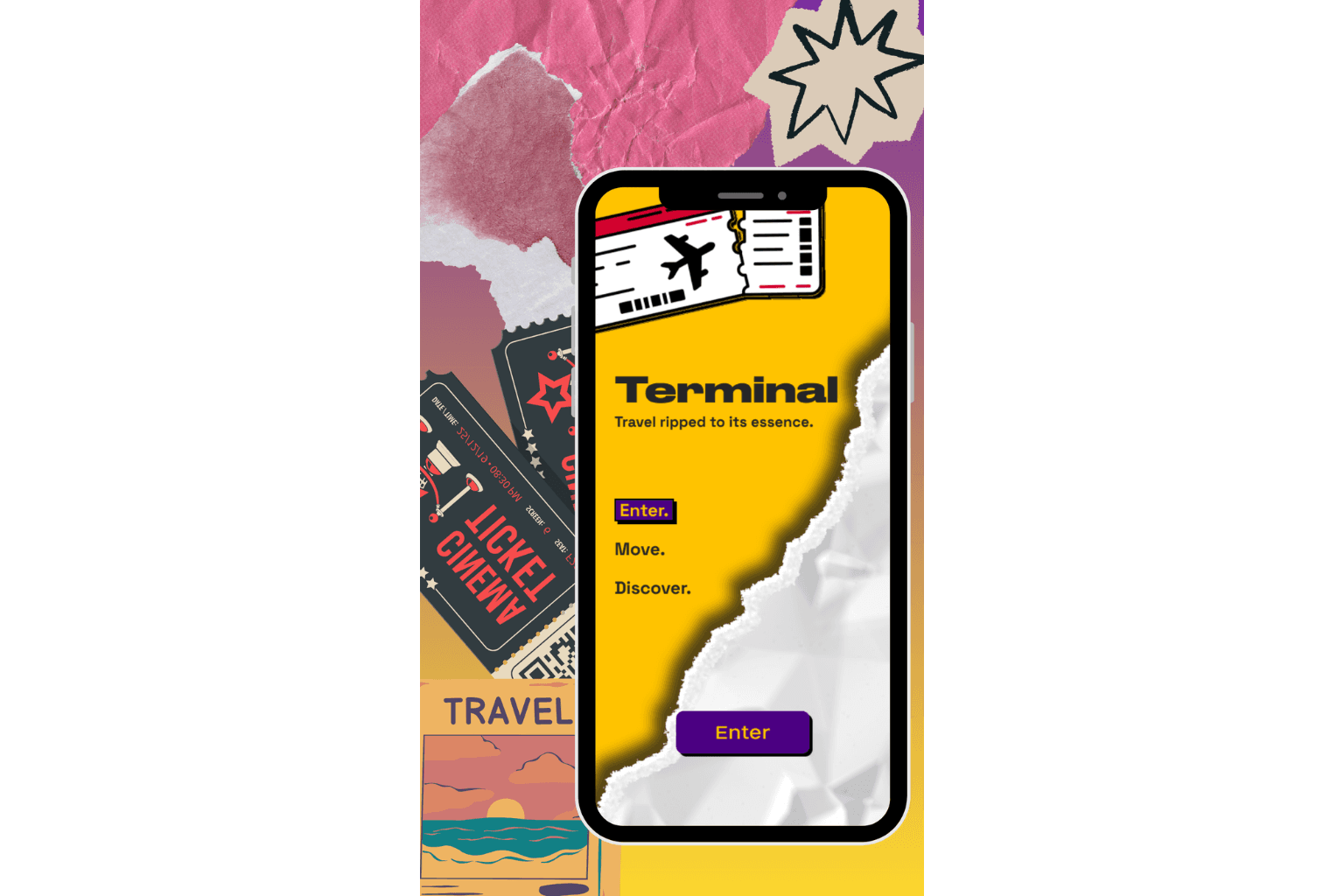
What I Did: Design Travel Like It's a Magazine, Not a Database
I created Terminal — a conceptual travel app that rejects minimal safety for Neo-Brutalist boldness and magazine-inspired layouts.
Why Neo-Brutalism + Editorial Design?
Because travel should feel tactile, adventurous, and unapologetically expressive. Magazine layouts know how to guide your eye, build anticipation, and make content feel curated. Neo-Brutalism adds the raw, authentic edge that makes it feel current.
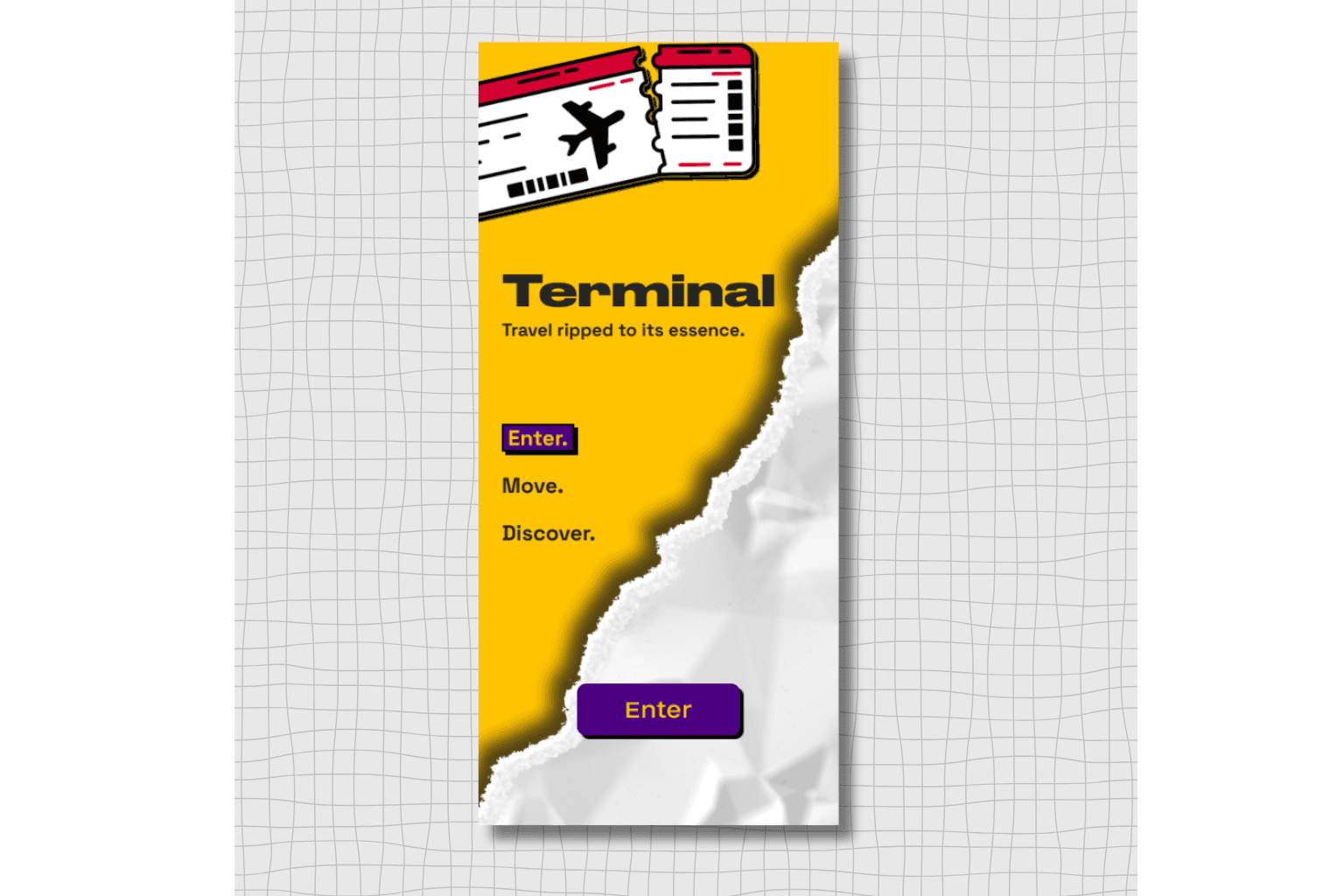
Landing Screen
The Design Approach
1. Research & Pattern Recognition
I audited existing travel, accommodation, and event apps:
Most lacked distinct personality — they prioritized "trust" over character
Visual approaches were nearly identical across competitors
No one was using editorial design principles or strong typographic identity
Then I looked at magazines, travel catalogs, and print design:
Strong potential for creating bolder, more memorable experiences
Layouts that guide attention naturally while feeling curated
Nostalgic print cues that make digital feel more physical
2. Visual System Development
Bold Typography as Navigation
Large, confident type that acts as both information and visual anchor. Headlines feel like magazine spreads, not database entries.
Layered, Editorial Layouts
Content arranged like magazine pages — overlapping elements, asymmetric grids, intentional white space that creates rhythm and breathing room.
Catalog-Inspired Elements
Nostalgic touches borrowed from vintage travel catalogs and print ephemera — making the digital experience feel more tangible and collectible.
Strong Color & Contrast
High-contrast color blocks, saturated hues, and intentional rawness that feels confident rather than polished.
3. Balancing Expression with Function
The challenge: Make it bold without sacrificing usability.
What stayed clear:
Booking flows remained intuitive
Information hierarchy guided the eye naturally
Core actions (search, filter, book) remained accessible
Navigation followed familiar patterns
What got expressive:
Visual identity and brand personality
Content presentation and storytelling
Emotional tone and first impressions
How information felt, not just what it said
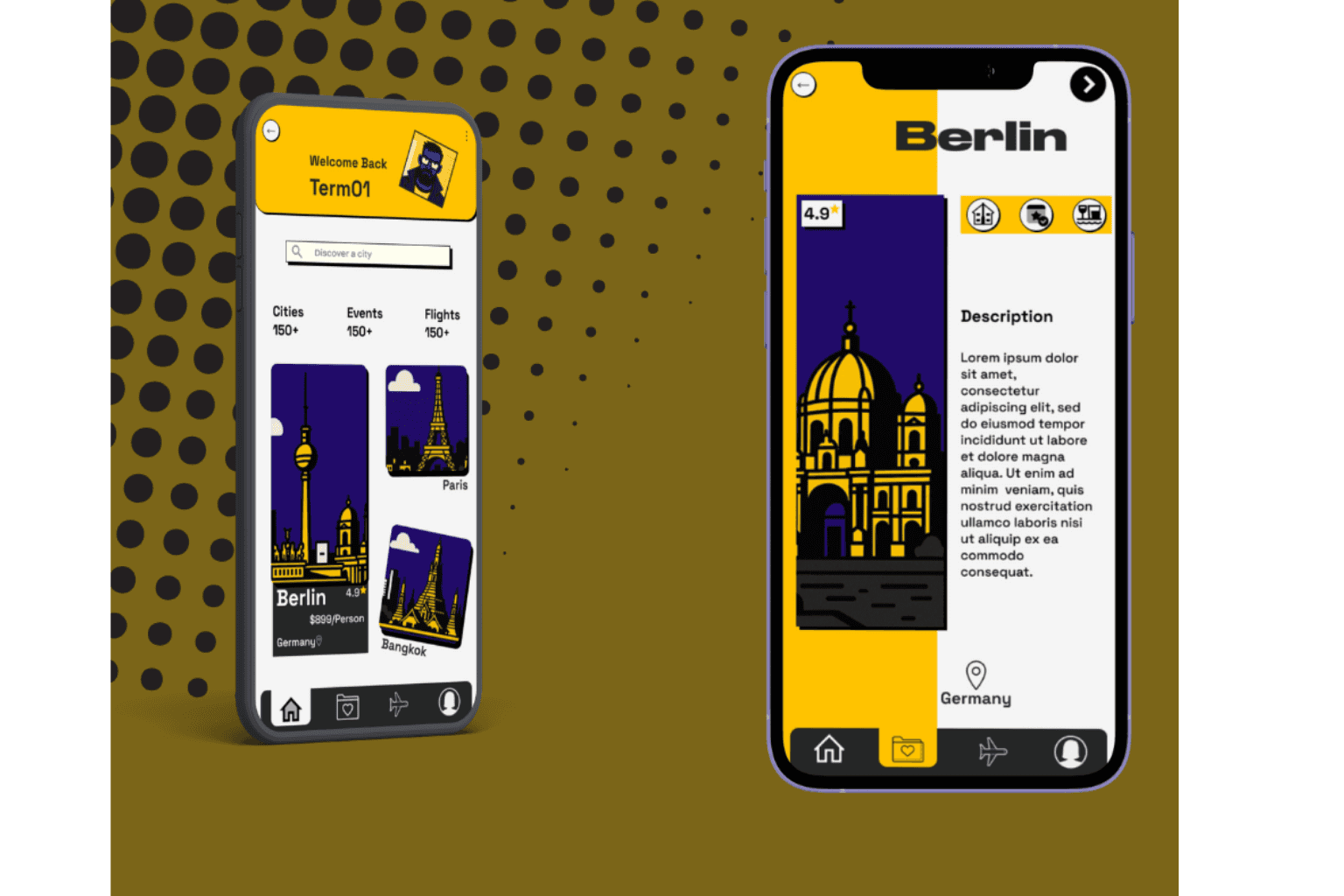
User Dashboard Screen; One city from the catalog
The Resolution: Travel That Feels Like Discovery, Not a Transaction
What This Approach Delivers
A Memorable Identity
Terminal doesn't look like any other travel app. It feels like a brand that knows what it wants to be — adventurous, confident, a little rebellious.
Raw Authenticity
The unpolished, bold aesthetic feels fresh and relevant to younger audiences who value authenticity over perfection.
Tactile, Nostalgic Appeal
The catalog-inspired elements make the digital experience feel more physical — like something you'd want to save, not just scroll past.
Editorial Guidance
Magazine-style layouts naturally guide attention, making content feel curated rather than overwhelming.
The Shift in Perception
Same core functionality as standard travel apps, but the experience signals something different:
From "efficient booking tool" → "adventure companion"
From "trusted but forgettable" → "bold and memorable"
From "for everyone" → "for people who care how their tools look and feel"
What I Learned
1. Neo-Brutalism can coexist with usability
Bold typography and raw layouts don't have to sacrifice clarity. They just require more intentional hierarchy and contrast.
2. Editorial design principles translate beautifully to digital
Magazine layouts know how to create flow, build anticipation, and make content feel premium. These principles work just as well in apps.
3. Visual identity shapes emotional response
Two apps with identical features can feel completely different based on design alone. One feels like work. The other feels like play.
4. Nostalgia is a powerful design tool
Catalog-inspired elements tap into a sense of tangibility and discovery that purely digital experiences often lack.
What I'd explore next:
How this visual system adapts across different user flows (search results, booking checkout, event discovery). Does the boldness scale, or does it need to soften at conversion points?
The Bigger Picture
This project isn't a prescription for what travel apps should be. It's an exploration of what they could be if they stopped playing it safe.
The travel category is visually homogeneous not because users demand it, but because it's the safer choice. But safe doesn't always mean better — especially for audiences that value identity, authenticity, and standing out.
Terminal asks: What happens when a travel app prioritizes feeling over formality?
The answer: It becomes something people remember.